One Language, Multiple Targets: A Full-Stack Workflow with MoonBit
These days, frontend-backend separation is pretty much the standard way to build web apps. But it comes with its own set of headaches.
You end up defining the same domain models twice, which almost guarantees inconsistency sooner or later. Then there's the overhead of serializing data and wrangling type constraints across different languages. And splitting the system just makes development and debugging feel more fragmented.
So you might think: why not just use one language everywhere and share as much code as possible? The problem is, frontend and backend run in completely different environments, and they want very different things.
On the backend, you care about low latency, predictable memory usage, and raw compute power. In the browser, it's a different story—you need to play nice with the JavaScript ecosystem and keep bundle sizes small. These constraints pull in opposite directions, so one compilation target rarely works for both.
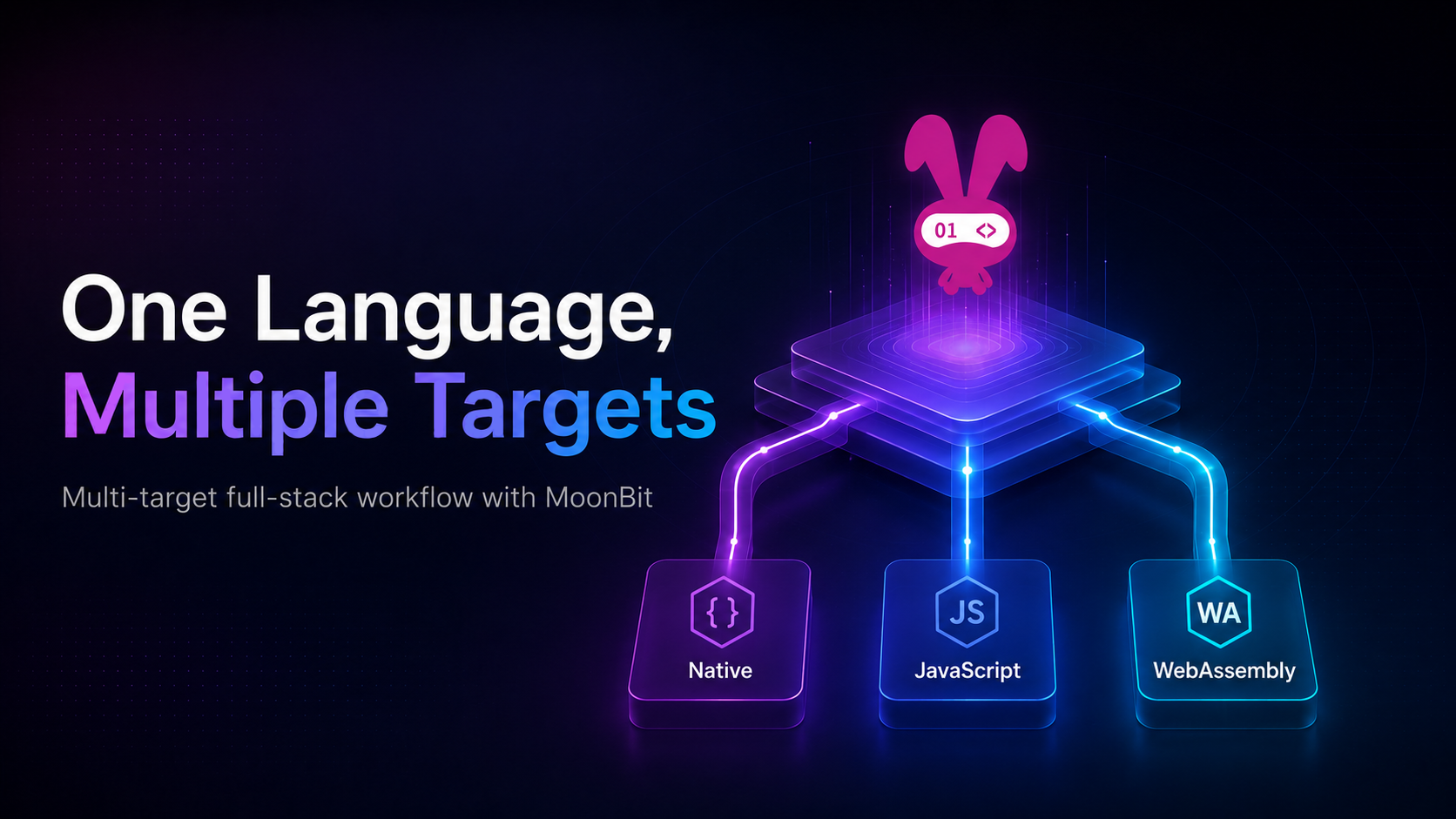
MoonBit tries something else: it supports multiple compilation targets, so each part of your system can run where it fits best.
-
Native: uses the Perceus memory management algorithm to avoid GC pauses and reduce memory overhead. Good fit for performance-sensitive backend services.
-
JavaScript: runs directly on the JS runtime, making it easy to work with the DOM and browser APIs without extra layers.
-
WebAssembly: often gives you better performance and smaller bundles than JS, especially for computation-heavy frontend logic.
This gives you a more practical way to work. Instead of forcing everything into one target, you split the system and compile each part to its ideal environment—while keeping the core logic shared.
Of course, that raises some questions. How do you actually structure a project like this? How do you share code across targets? And how do you keep the workflow from turning into a mess?
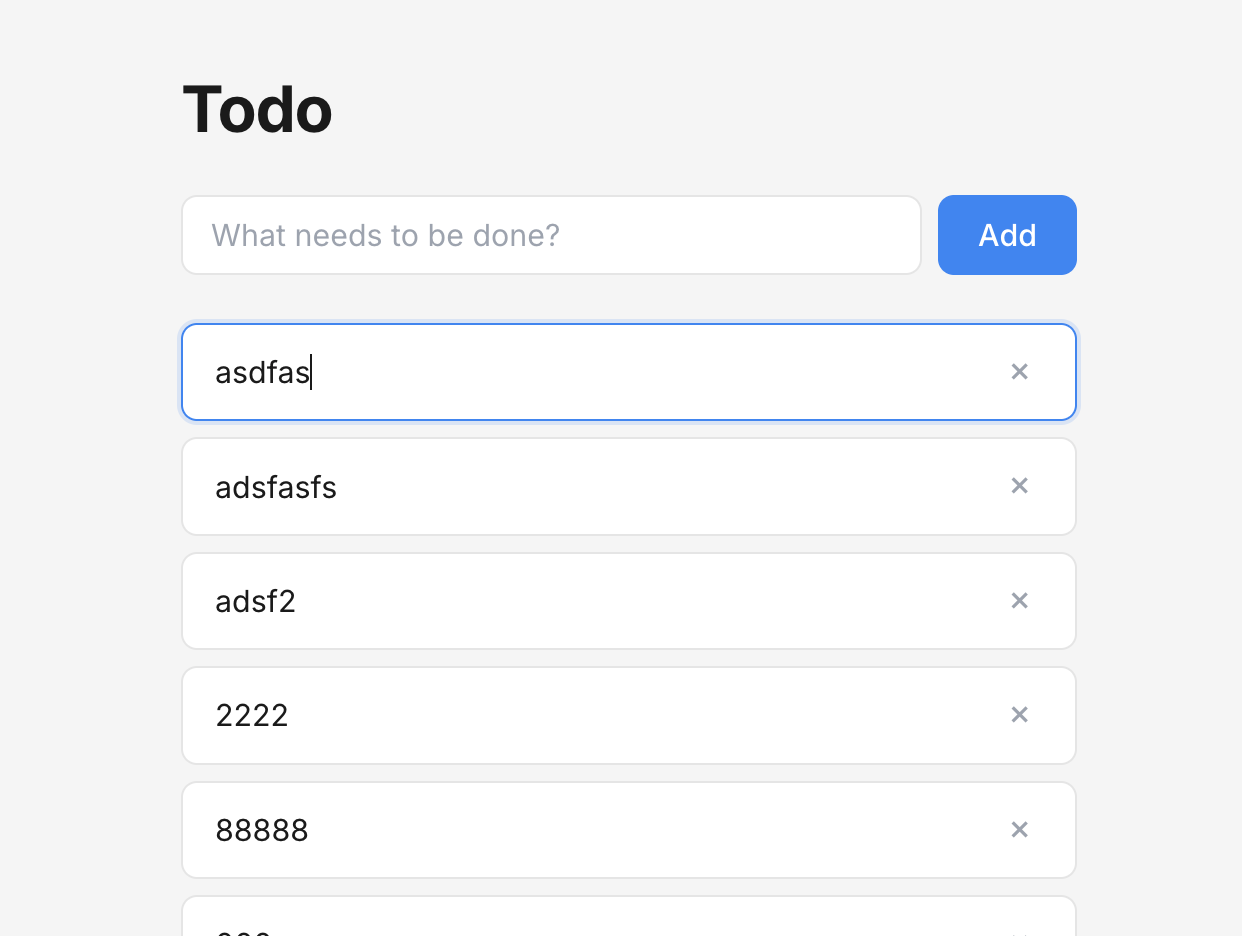
In this article, we'll walk through a simple Todo app to see how MoonBit's toolchain handles these problems in practice.
Workspace and supported_targets
The MoonBit 0.9.0 toolchain initially introduced the moon.work configuration. moon.work represents a workspace and can declare several MoonBit modules to be managed together. For example, suppose the projects folder contains two modules, module1 and module2:
projects
  +- subdir
  |   `- module1
  +- module2
  `- moon.work
The moon.work file under projects declares the paths of module1 and module2 that it manages:
members = [
  "./subdir/module1",
  "./module2",
]
When running operations such as moon check or moon build, the build system attempts to locate the current workspace and triggers checks and builds for each managed project. If several modules depend on one another, the build system ignores dependency version numbers and prioritizes building dependencies from source within the same workspace. This is more friendly to teams that prefer a monorepo style and is also helpful for current AI-assisted cross-project collaboration.
In addition, the toolchain introduced the supported_targets = "..." constraint in configuration files. Packages in the community may only target a specific backend. For example, bikallem/webapi only supports JS/Wasm, while moonbit-community/sqlite3 only supports Native. Ideally, the build system should know the support level of each package and provide readable errors when conditions are not met, instead of throwing a pile of compilation errors from within the package implementation.
The mooncakes.io Ecosystem
Besides support from the toolchain itself, integrated frontend-backend applications also rely on a set of foundational libraries related to web development. MoonBit’s package management center has gradually covered these capabilities, including common scenarios such as asynchronous programming, frontend UI, backend services, and database access.
For example:
-
async: MoonBit’s foundational async library, providing APIs such as
fs,process, andhttp. -
rabbita formerly
rabbit-TEA: A functional, unidirectional-data-flow frontend framework that has already been used to build mooncakes.io and the MoonBit official website. -
sqlite3: Lightweight low-level SQLite3 bindings.
-
webapi: Type-safe browser API bindings, automatically generated from WebIDL, with relatively broad coverage.
-
luna: A signal-based reactive UI library that adopts an islands architecture.
-
mocket: A backend web library that supports JavaScript and Native backends.
Among these, libraries such as rabbita, async, and sqlite3 are maintained with participation from the MoonBit team, and their interface design better follows MoonBit best practices. We can see that MoonBit frontend applications have already entered production environments, while backend development use cases are also gradually evolving.
In the example below, we will select some of these libraries to build a simple Todo app, implement frontend and backend logic in the same language, and share as much code as possible.
Integrated Frontend-Backend Practice
We start with a minimal project. To support both the frontend and backend while sharing as much code as possible, the project is split into three modules:
isomorphic-template
  ├── backend
  ├── frontend
  └── shared
This division is intended to address a practical problem: the frontend and backend need to run in different environments, but we still want them to use the same business logic as much as possible. Next, we begin with shared.
Shared Code and the Domain Model
In this project, all data structures used by both the frontend and backend are placed in the shared module:
// in isomorphic-template/shared/data.mbt
using @json { trait FromJson }

pub(all) struct Todo {
  id : Id
  content : String
} derive(Debug, Eq, ToJson, FromJson)
This definition itself is not complicated, but it has an important effect: both the frontend and backend directly use the same Todo type.
derive(ToJson, FromJson) automatically generates implementations of the ToJson and FromJson traits for Todo. When the backend returns a response, json_value(...) relies on ToJson to convert Todo into JSON; when reading the request body, event.json() relies on FromJson to restore JSON into Todo.
As a result, what the frontend and backend share is not only the field definitions, but also the serialization rules generated around this type. As long as the Todo definition remains consistent, the data format transmitted through the API remains consistent as well, without requiring separate conversion logic to be maintained on the frontend and backend.
With this in place, let’s look at the backend implementation.
Writing the HTTP Server and Database Layer in MoonBit
On the backend, we use crescent to build the HTTP service and sqlite3 to store data. The overall style is not very different from common web frameworks; the logic is mainly organized around routes:
using @crescent { type HttpResponse, type Mocket }
fn main {
  ...
  let app = Mocket()
  app.get("/api/todo", _ => HttpResponse::ok().json_value(store.list_todo()))
  app.post("/api/todo", event => {
    let todo : @shared.Todo = event.json()
    HttpResponse::created().json_value(store.create_todo(todo))
  })
  app.delete("/api/todo/:id", event => {
    store.delete_todo(event.require_param_int("id"))
    HttpResponse::no_content()
  })
}
The most noteworthy part here is how data flows. crescent adds FromJson and ToJson trait constraints to the APIs. The request body can be parsed directly as @shared.Todo, and the return value directly uses a collection of the same type. No extra data structures are introduced throughout the entire process, and no handwritten serialization logic is needed. Which serialization logic is called is determined statically, without extra runtime dispatch overhead.
The database layer only provides data reading and writing capabilities. We wrap it with a simple Store so that the API always revolves around the types defined in shared. Store is simply a struct that holds a long-lived database connection, and it wraps several SQL queries based on the Connection::prepare method provided by sqlite3:
struct Store {
  conn : @sqlite3.Connection
}

pub fn Store::new(db_path : String) -> Store {
  let conn = @sqlite3.Connection::open(db_path)
  ... // Omit the table initialization process
  Store::{ conn }
}

fn Store::list_todo(store : Self) -> Array[@shared.Todo] raise {
  let stmt = store.conn.prepare(
    "SELECT id, content FROM todo ORDER BY id ASC",
  )
  let items = []
  while stmt.step() {
    items.push({
      id: stmt.column(index=0),
      content: stmt.column_blob_as_string(index=1),
    })
  }
  stmt.finalize()
  items
}

fn Store::delete_todo(self : Self, id : @shared.Id) -> Unit raise {
  self.conn
  .prepare("DELETE FROM todo WHERE id = ?")
  ..bind(index=1, val=id)
  ..step_once()
  .finalize()
}
Since sqlite3 is a relatively low-level binding, using it is fairly primitive. Interested readers may also try the community-developed PostgreSQL or ORM libraries for MoonBit. Due to space limitations, we use this simple wrapper here.
Writing the Frontend with MoonBit
Here we use Rabbita as the frontend framework. Rabbita is a UI library inspired by The Elm Architecture referred to below as TEA. The TEA paradigm has had a deep influence on state management design in modern web frontend development. We can not only find its influence in Redux and various frontend ecosystem variants, but also see the same paradigm adopted by UI libraries outside the browser world, such as Iced and BubbleTea.
TEA divides UI updates into three parts: Model represents state, Msg represents events, update() handles state changes, and view() renders the state into the interface. The advantage of this pattern is that the relationship between state changes is very clear. Combined with MoonBit’s pattern matching and type system, frontend logic can naturally revolve around types and is also easier for AI to assist in generating and modifying.
In this Todo app, the core frontend state is a set of Todo items loaded from the backend:
struct Model {
  todos : Vector[@shared.Todo]
}

enum Msg {
  Refresh
  GotRefreshed(Result[Vector[@shared.Todo], Error])
  Delete(@shared.Id)
  ...
}
Next, update() is responsible for converting messages into state changes and, when necessary, returning a Cmd for the framework to execute side effects:
fn update(emit : Emit[Msg], msg : Msg, model : Model) -> (Cmd, Model) {
  match msg {
    // Request to refresh todos
    Refresh => {
      let cmd = @http.get("/api/todo").expect_json(r => emit(GotRefreshed(r)))
      (cmd, model)
    }
    // Todo request succeeded
    GotRefreshed(Ok(todos)) => (none, { ..model, todos })
    // Todo request failed
    GotRefreshed(Err(_)) => (none, model)
    Delete(id) => {
      let cmd = @http.delete("/api/todo/\{id}")
        .expect_empty(r => emit(GotDeleted(r)))
      (cmd, { ..model, todos: model.todos.filter(x => x.id != id) })
    }
    GotDeleted(_) => (none, model)
    ...
  }
}
This code demonstrates Rabbita’s core workflow: Refresh initiates a request and loads the todo list from /api/todo; the request result then returns to update() through GotRefreshed, and on success, updates model.todos. When deleting, Delete(id) generates a DELETE request while also removing the corresponding item from the local list first.
Rendering the interface is completed by view(). It generates a list based on the current todos and binds a delete message to each button:
fn view(emit : Emit[Msg], model : Model) -> Html {
  let { todos, .. } = model
  if todos.is_empty() {
    p("No todos yet")
  } else {
    ul <| todos.map(todo => {
      li <| [
        p(todo.content),
        button(on_click=emit(Delete(todo.id)), "delete")
      ]
    })
  }
}
At this point, the frontend logic also revolves around the same Todo type: the backend returns Todo, the frontend receives Todo, and UI rendering and event handling are also based on Todo. This is exactly the value of the shared module in integrated frontend-backend development.
Conclusion
This article introduced a workflow for writing integrated frontend-backend applications with MoonBit through a simple Todo app.
The focus of this example is not the Todo app itself, but how the frontend and backend can share the same business model while remaining separate. Through the shared module, data structures, serialization, and validation logic can be defined centrally. Through multiple compilation targets, the backend can run in a Native environment while the frontend can be compiled to JavaScript, allowing each side to adapt to its own runtime scenario.
This is different from the traditional server-side template rendering approach. Template rendering usually centers on dynamically generating pages on the server. However, as an application continues to grow, needs such as search, linked forms, instant frontend responses, and open APIs can gradually scatter logic across different places. The same business rule may appear in multiple locations, increasing the risk of frontend-backend inconsistency.
MoonBit’s full-stack workflow attempts to reduce this fragmentation on the basis of frontend-backend separation: it lets the frontend and backend share core business definitions while preserving the advantages of their respective runtime environments. How to further polish this workflow, reduce engineering complexity, and more fully unleash MoonBit’s multi-target compilation capabilities remains worth continued exploration.
We also welcome interested readers to join the MoonBit community:
A real-world community project using mixed WASM/JS compilation targets: